#0012 LED on/off over the internet
Pi Pico WH device that switches an LED on and off from a browser, from anywhere online.
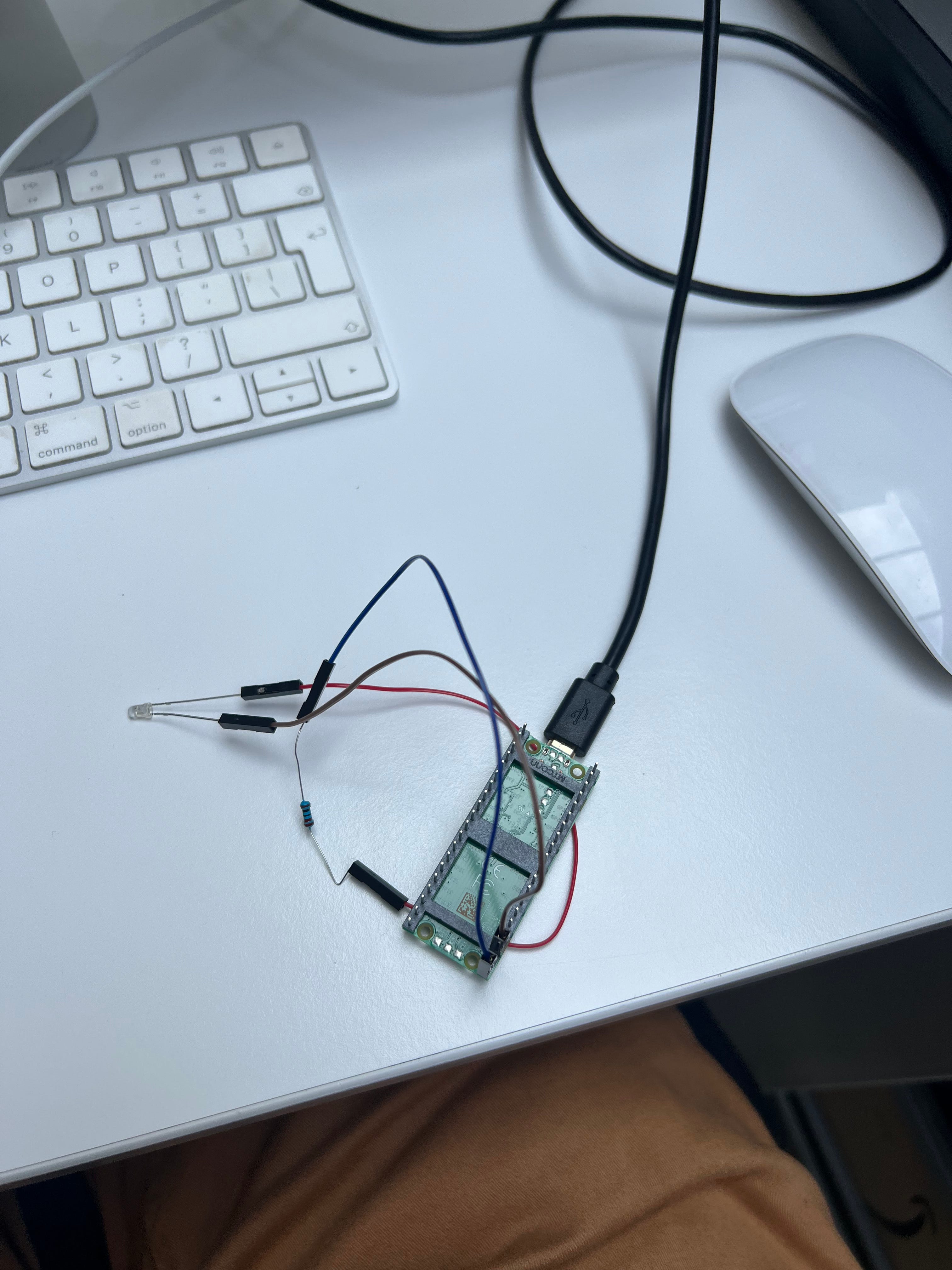
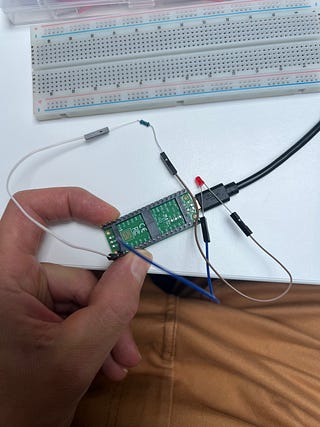
Raspberry Pi Pico WH with a single LED, switched on or off from any browser with internet access. The web page is static, hosted on Netlify, and the Pico polls a small backend for state.
Parts
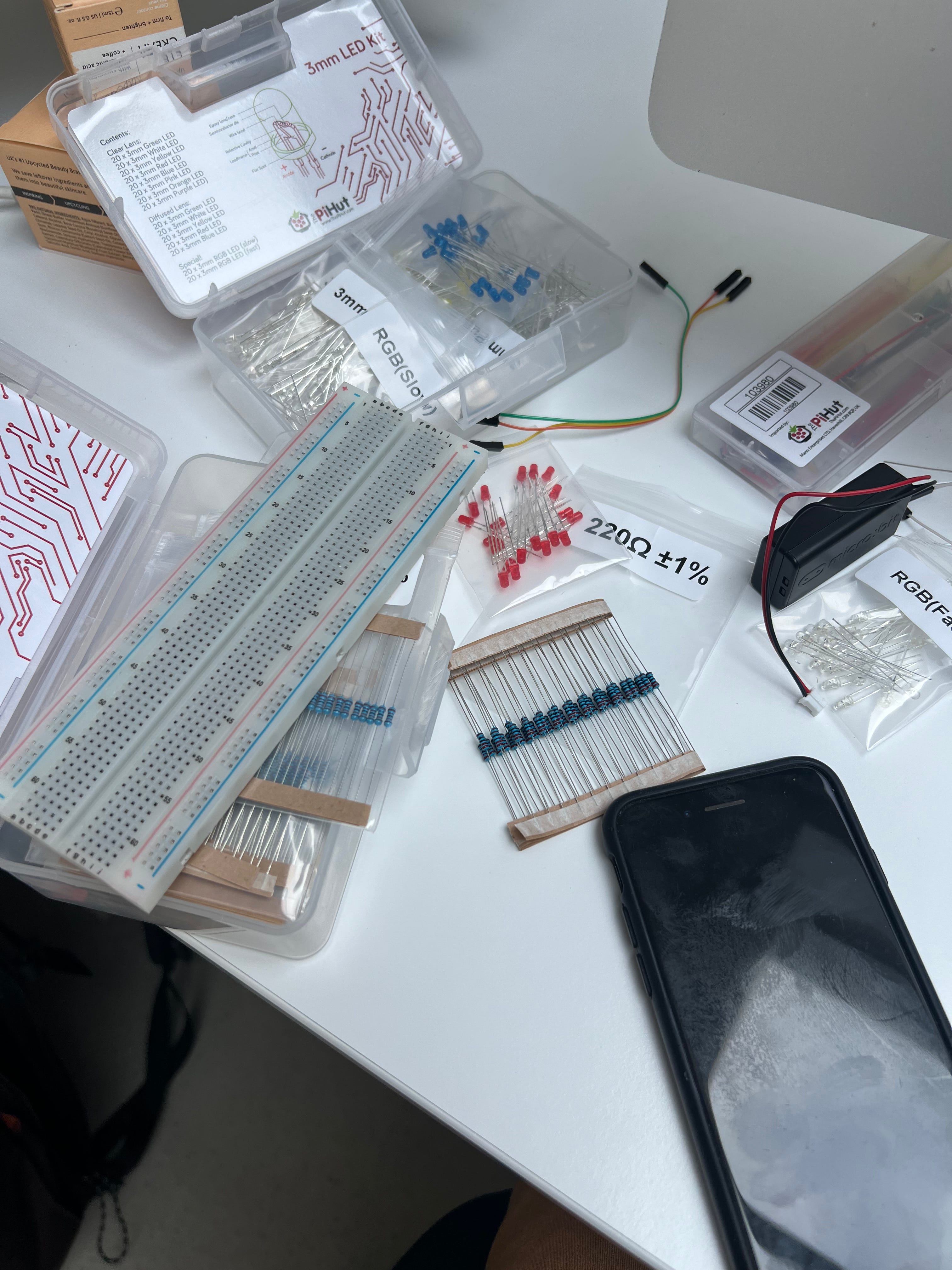
Raspberry Pi Pico WH, Wi-Fi, pre-soldered headers
LED (any colour)
220Ω resistor
Jumper wires
Micro USB cable (power and flash)
Wiring
LED to Pico WH:
Anode (long leg) to 220Ω resistor to GPIO [PIN]
Cathode (short leg) to GND
Power
Micro USB on the Pico, or any 5V USB supply once flashed.
Firmware
MicroPython (or C/Pico SDK), using the Pico W’s onboard wireless chip.
network: connect to Wi-Fi
urequests (or a C HTTP client): poll the backend for current state
On boot: connect Wi-Fi, LED starts off.
Web
Static page hosted on Netlify with an on/off button, plus Netlify Function holding the current LED state. The Pico has no public IP, so it can’t be reached directly. It only ever makes outbound requests.
Flow
Button on the Netlify page calls the function, sets state to on or off
Pico polls the backend every few seconds and sets GPIO [PIN] to match
Routes (on the backend, not the Pico):
POST /set, body { state: “on” | “off” }, called by the Netlify button
GET /state, returns current state, polled by the Pico
main.py / code (Wi-Fi name and password replaced with placeholders)
Replace YOUR_WIFI_NAME / YOUR_WIFI_PASSWORD before flashing.